01
Record locally
Capture meeting audio directly on your Windows PC.
● Privacy-first AI for Windows
CueNexa records and understands your meetings locally—so every conversation becomes clear next steps, without leaving your PC.
 CueNexa
Wednesday · 42 min
✦ MEETING BRIEF
The team aligned on the Q4 launch path and identified two dependencies before Friday.
DECISIONS
Ship phased rolloutACTIONS
2 follow-ups duePhased rollout approved
How it works
CueNexa gives every meeting a dependable record and a practical plan forward—without changing how you meet.
01
Capture meeting audio directly on your Windows PC.
02
Create a searchable transcript with meaningful timestamps.
03
Review decisions, risks, actions, and follow-ups in seconds.
Privacy by design
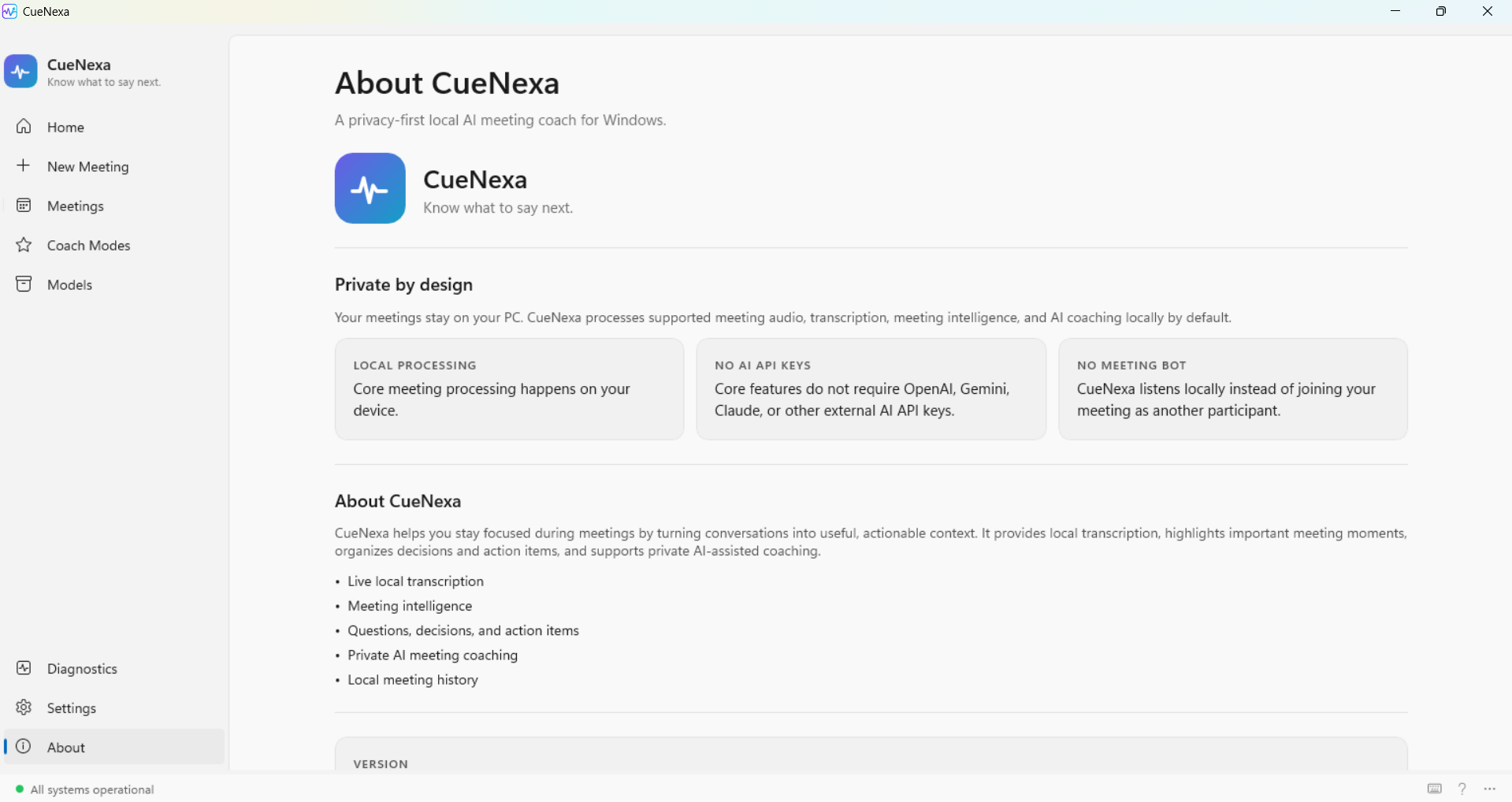
CueNexa processes audio, transcripts, and insights locally on your Windows device. There’s no cloud processing, no account, and no hidden meeting participant.
Built for better meetings
Find the exact moment a topic, decision, or question came up.
Learn more →Turn discussion into concise summaries, decisions, risks, and follow-ups.
Learn more →Surface owners and next steps so momentum survives the meeting.
Learn more →Get discreet, real-time prompts that help you steer the conversation.
Learn more →Tune the assistant for sales calls, stand-ups, interviews, and more.
Learn more →Review any meeting instantly, with no waiting for a cloud upload.
Learn more →Meeting profiles
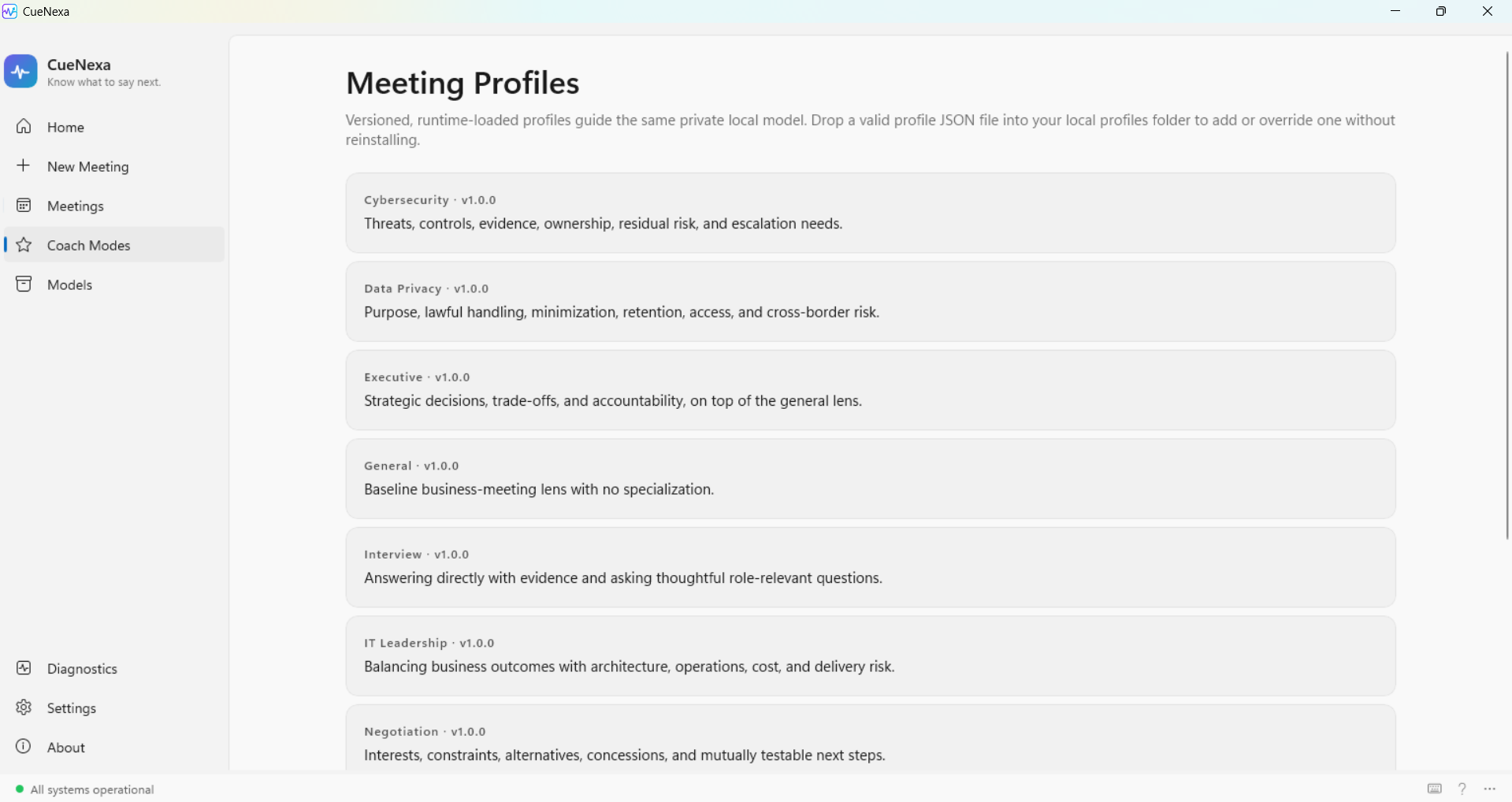
Choose a focused lens for the work in front of you. Profiles run locally and are ready to customize from your own device.
Threats, controls, evidence, ownership, and residual risk.
Purpose, lawful handling, retention, access, and cross-border risk.
Strategic decisions, trade-offs, and accountability.
Evidence and thoughtful role-relevant questions.
Architecture, operations, cost, and delivery risk.
Interests, constraints, alternatives, and next steps.
Inside CueNexa
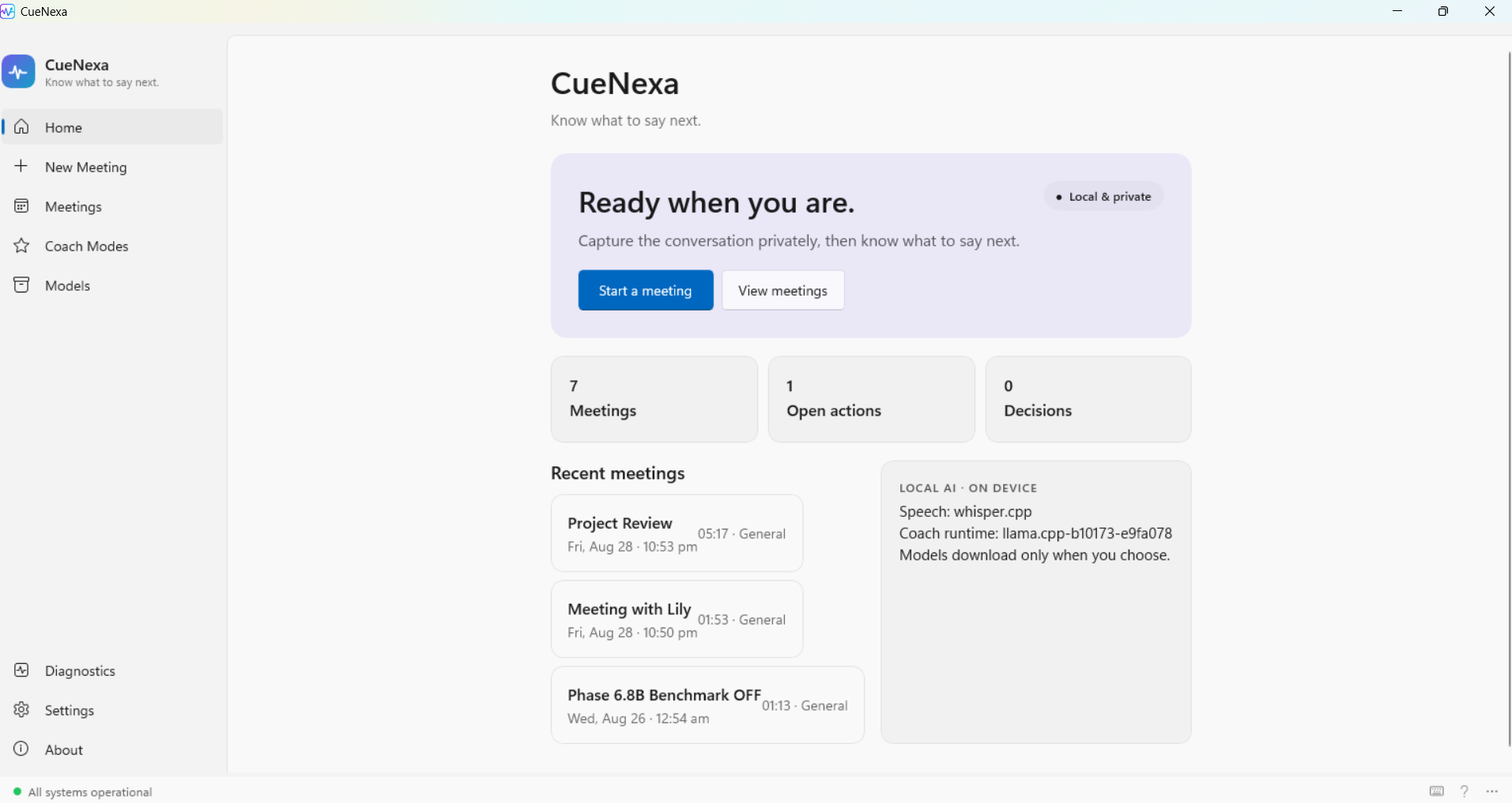
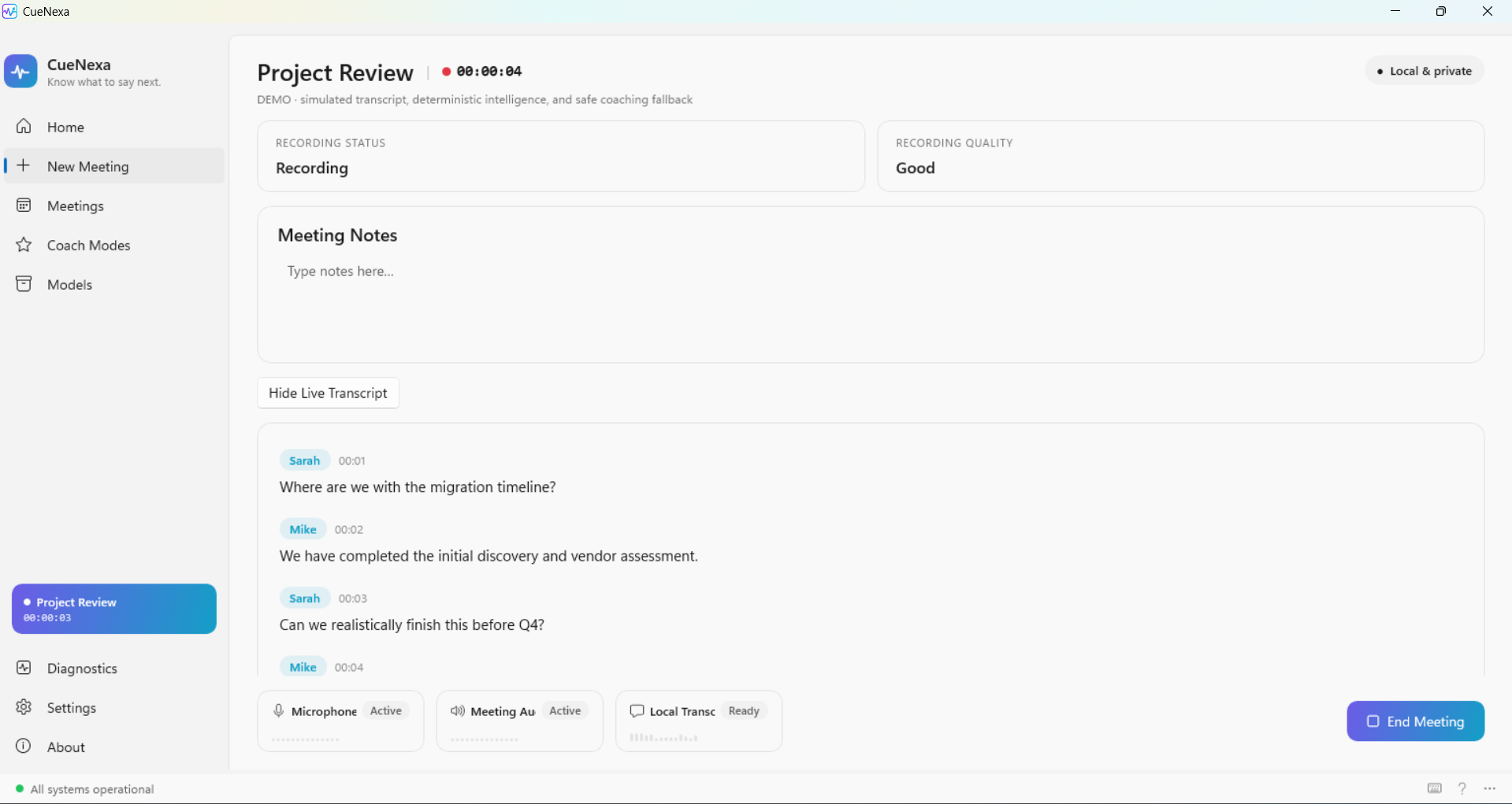
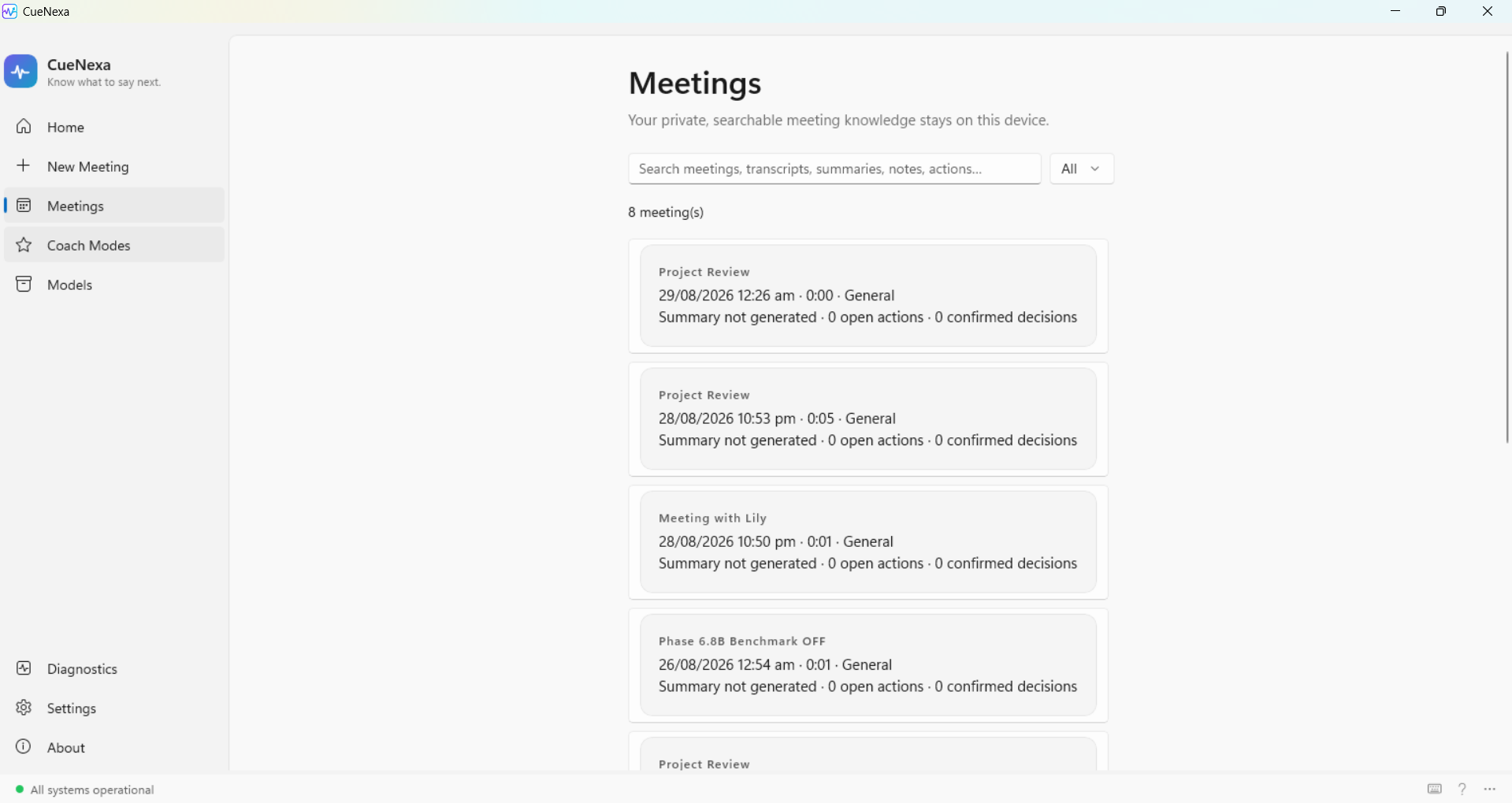
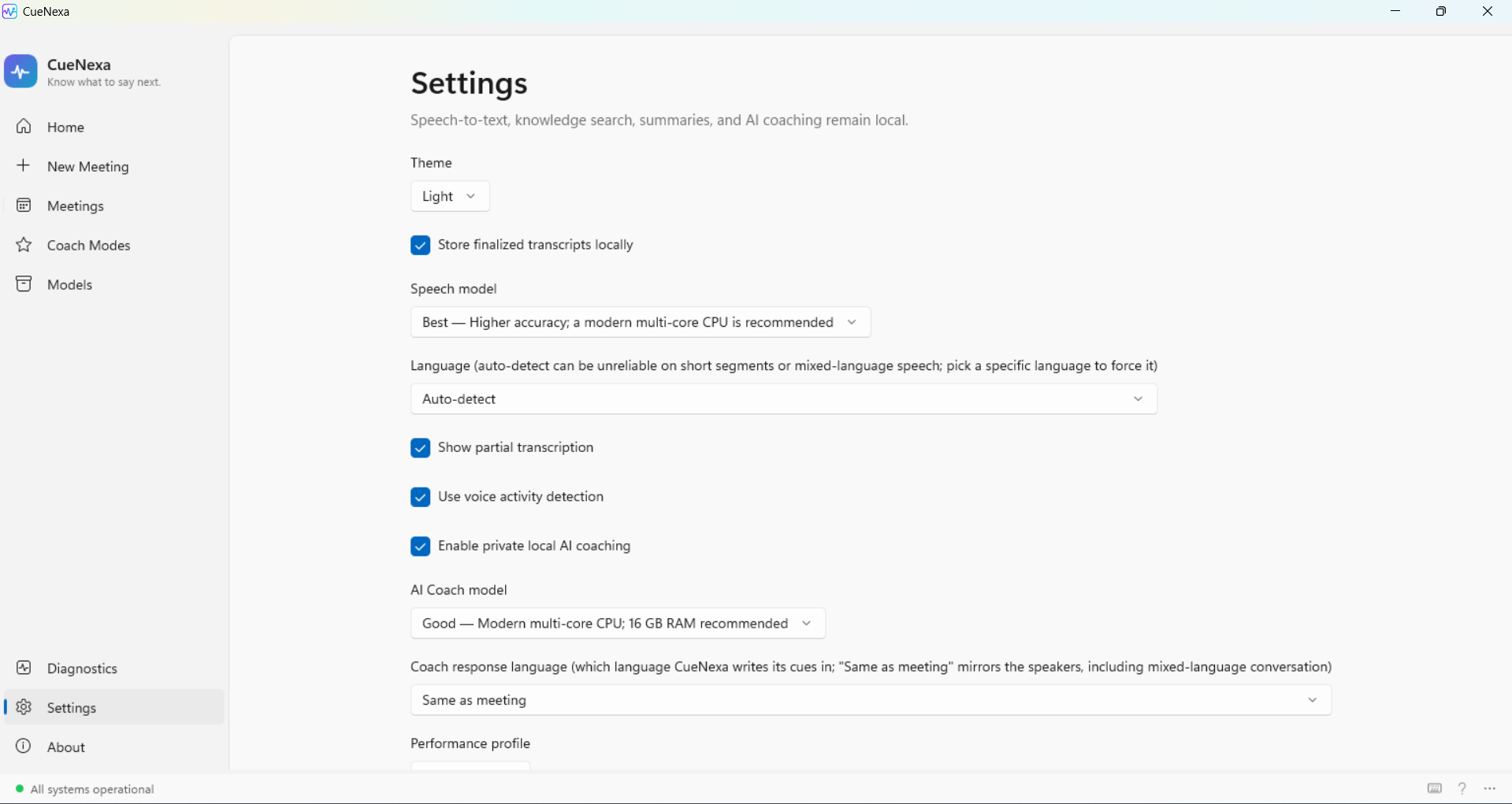
From starting a conversation to reviewing its outcomes, CueNexa keeps each view clear, searchable, and on-device.
System requirements
A focused desktop companion that fits naturally into your workday.
Windows 10 or 1164-bit Windows PC
Local storageFor recordings and transcripts
Audio accessMicrophone or system audio
Microsoft StoreSimple, trusted installation
FAQ
No. Audio, transcripts, and AI processing stay on your Windows device.
No. CueNexa is designed to get you started without an account.
No. CueNexa works locally on your PC and never appears as a meeting participant.
Use it for virtual or in-person meetings, including client calls, team syncs, interviews, and one-on-ones.
CueNexa gives you a private, local record of the conversation—and the confidence to know what comes next.
Download from Microsoft StoreWindows · Local AI · No account required